Exercise 2 - Workspaces
Instructions
- Kill the current Node process running this app.
- Open the DevTools
- Click on the Sources panel
- Open Windows Explorer / Finder and navigate to this project
-
Grab the
workspacefolder and drag it into the workspace section.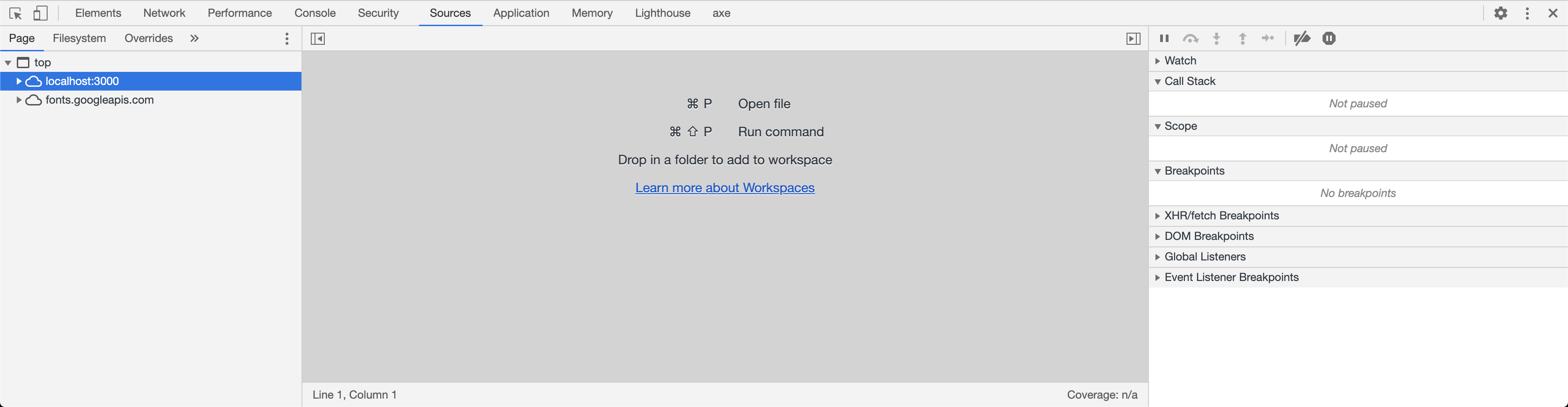
-
Click
allowat the top of your browser window.
-
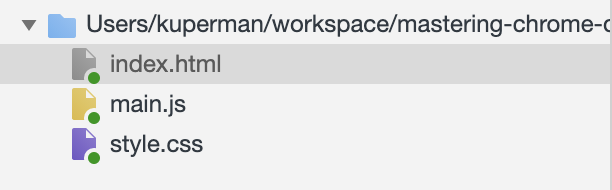
You should now see little green circles next to all of the filenames
in the sidebar.
- Then complete the three tasks outlined in the Workspace!
Finished?
When you're done here, start up the node server again and head to the next lesson